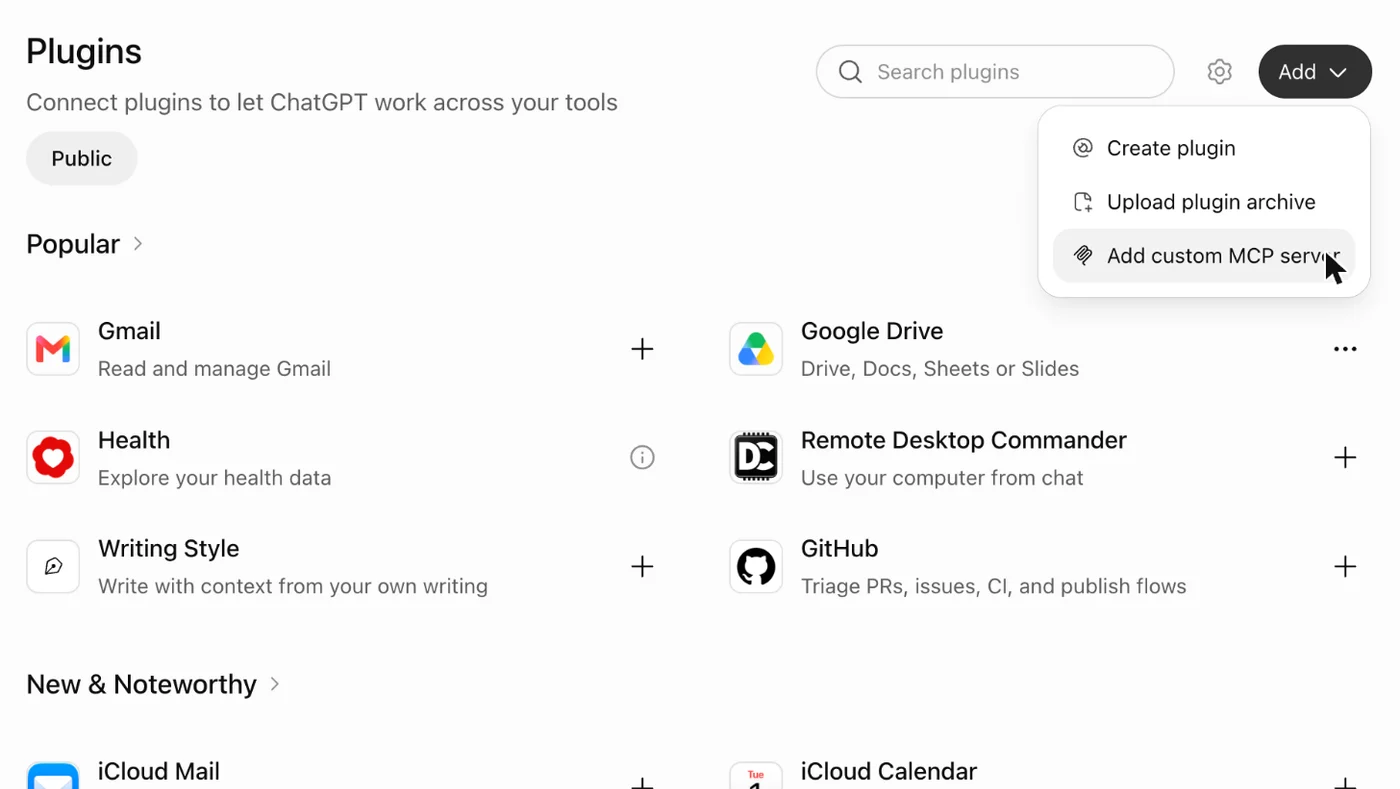
1Open Plugins and choose Add
On chatgpt.com, open Plugins in the sidebar. Choose Add, then Add custom MCP server.
Start with Stets · Web and desktop
Add Stets as a custom MCP server on chatgpt.com.
The address of Stets:
On chatgpt.com, open Plugins in the sidebar. Choose Add, then Add custom MCP server.
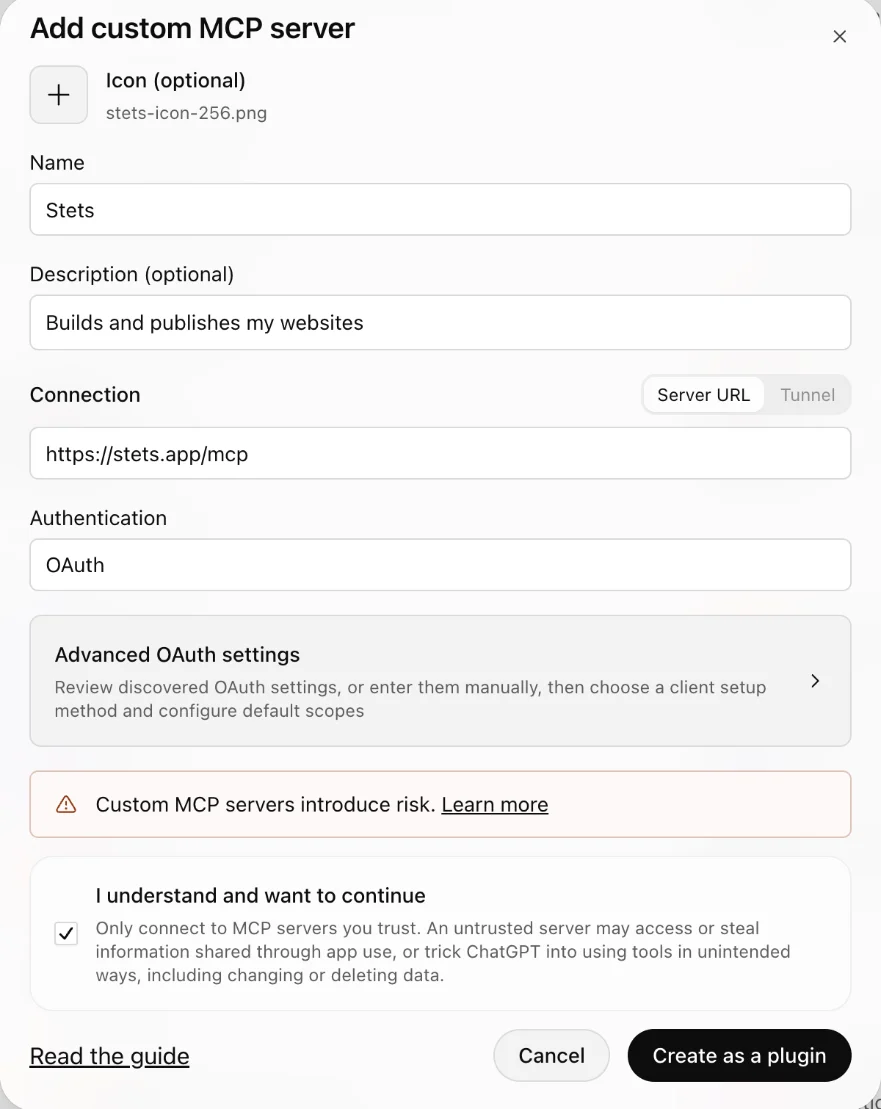
Name: Stets. Server URL: https://stets.app/mcp. Authentication stays on OAuth. Tick I understand and want to continue, then choose Create as a plugin. The icon is optional: you can use ours.
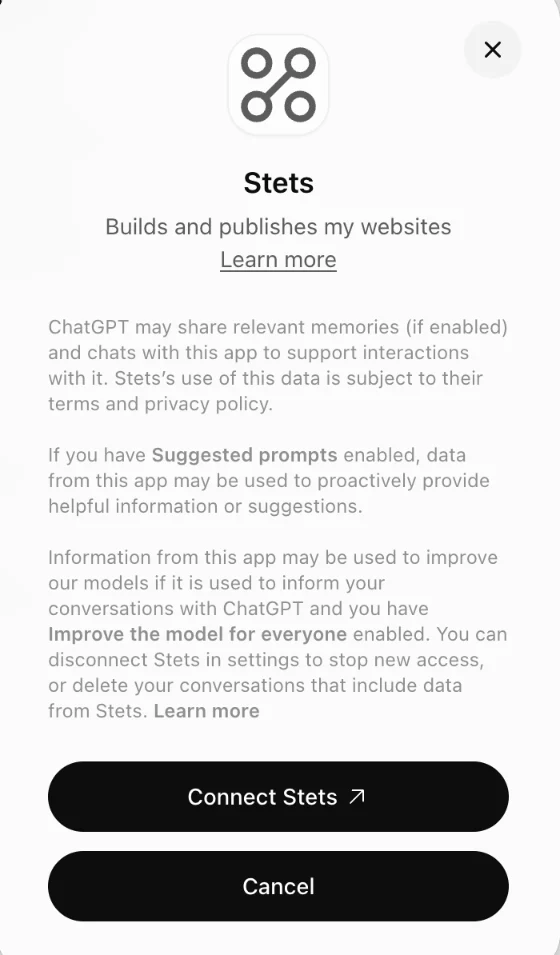
ChatGPT explains what it shares with plugins. Choose Connect Stets.
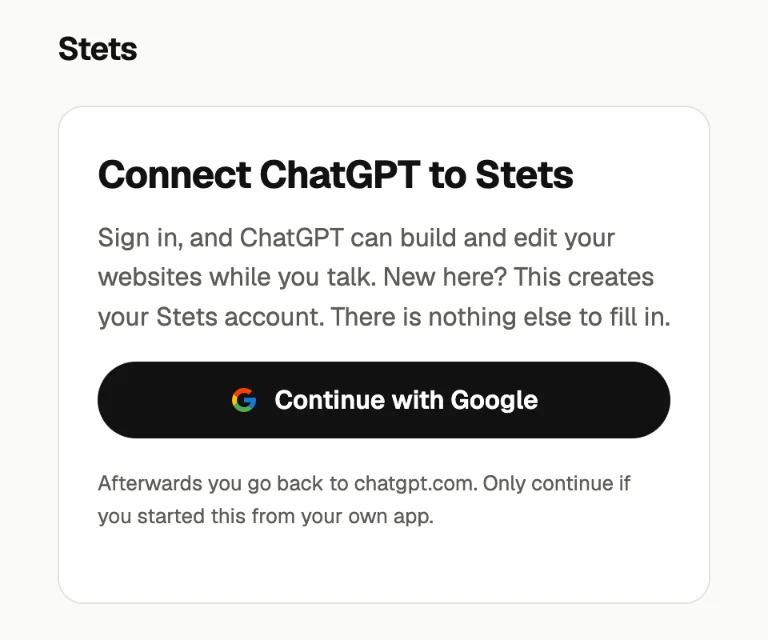
A Stets page opens. Choose Continue with Google and pick your account. New here? This creates your Stets account. There is nothing else to fill in. Already signed in to Stets, say from another app? Then it asks Allow ChatGPT to use Stets?: choose Allow.
Back on the Stets plugin page, choose Try in chat. A new chat opens with Stets in the message box. Say List my sites. A new account has none yet, so the list is empty.
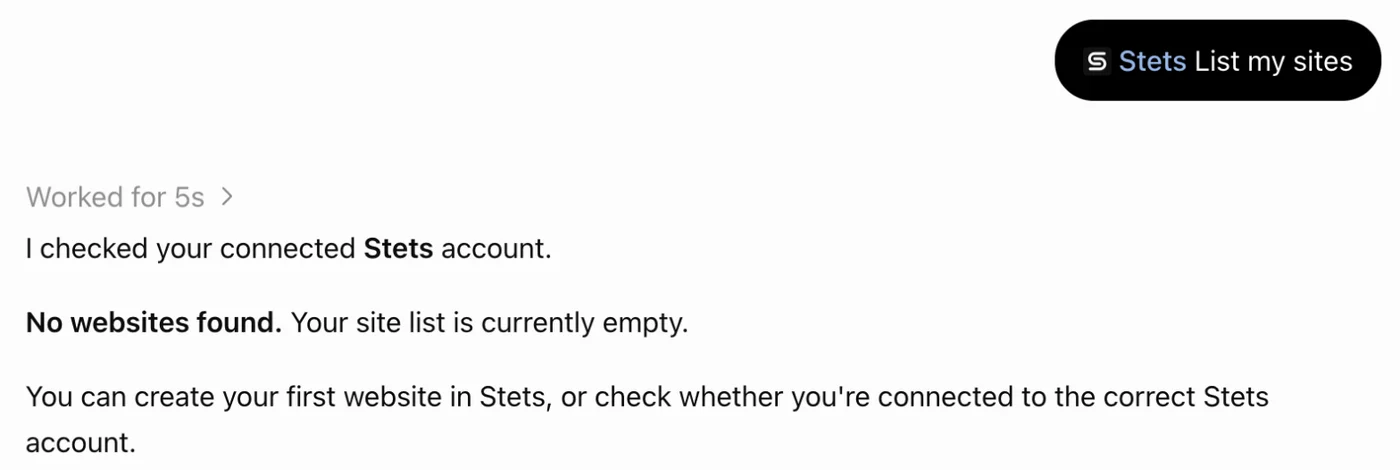
Start a new chat and say:
Set it up on chatgpt.com. Plugins belong to your ChatGPT account; we checked Stets on the web.
Making a new site on stets.app is by invitation for now. Without an invitation your agent can still list your sites and work on sites someone shared with you.